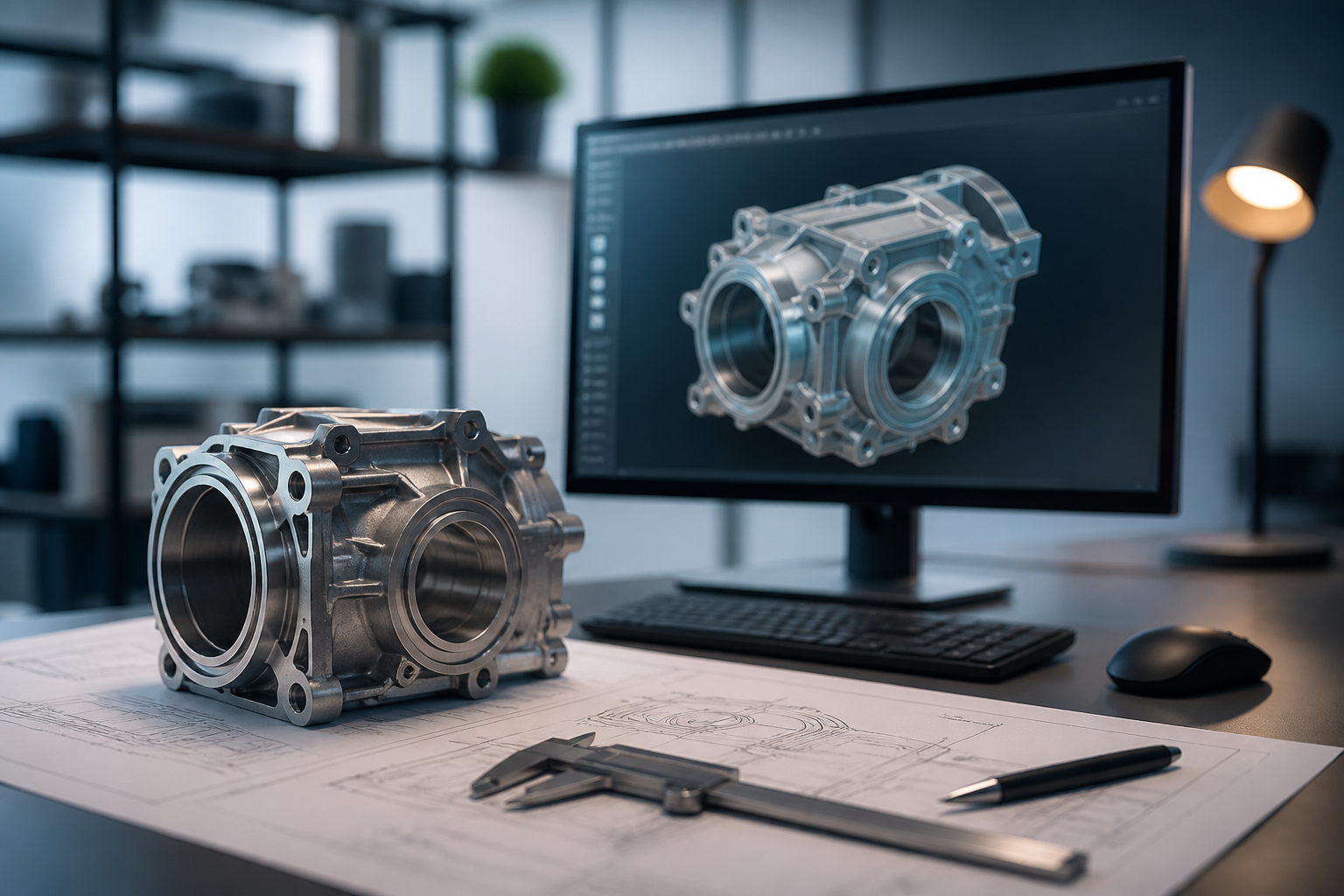
Ever wondered how engineers create functional mechanical parts that fit perfectly? Parametric CAD modeling is the key. Using tools like FreeCAD and Fusion360, you can design with precision, applying tolerances and creating constrained sketches that ensure the functionality of your parts. This article will guide you through the fundamental principles to master these tools and optimize your design workflow. Keep reading!
Understanding Parametric Modeling
Parametric modeling is an approach that allows designers to manipulate the geometry of their model by modifying parameters. This means any change in a parameter affects all parts of the model that depend on it. For example, in FreeCAD, you can define parameters like length, width, and radius, allowing a simple variable to automatically change the shape of your part. This not only saves time but also ensures that every modification maintains the integrity of the original design. In contrast, tools like Fusion360 allow the use of sketches that are fundamental in defining geometric relationships between entities in the design.
The Importance of Tolerances
Tolerances play a vital role in designing mechanical parts. From the fit of a nut to the precision in machining, applying appropriate tolerances ensures that parts fit correctly during assembly. In FreeCAD and Fusion360, you can set tolerances directly on the dimensions of your constrained sketches. This not only facilitates replication of your designs but also minimizes the risk of errors during manufacturing. Tolerances can be general, like ‘±0.1 mm’, or specific, depending on the part’s use context. Knowing how to implement and communicate these tolerances is crucial for any designer or engineer.
Constrained Sketches: The Foundation of Your Designs
Constrained sketches are the first step in creating a parametric model. When using FreeCAD or Fusion360, it is essential to apply constraints to geometries to ensure that each component has defined relationships. Constraints can include equality, coincidence, parallelism, among others. For example, if you are designing a gear, you can constrain a circle to a fixed diameter. This not only ensures that the model maintains its geometric integrity but also allows for easy modification and adaptation to future needs. The key is to find a balance in the number of constraints; too many can make the sketch difficult to modify.
Common Mistakes Analysis
- Not adequately defining all constraints: This can lead to ambiguous geometries that do not behave as expected.
- Ignoring tolerances: Failing to include tolerances can result in incompatible parts during assembly.
- Underestimating the importance of parametric modeling: Not leveraging this tool may limit your design and modification capabilities.
Conclusion
Parametric CAD modeling is an essential skill for any engineer or designer looking to optimize their workflow and effectiveness in creating functional mechanical parts. Tools like FreeCAD and Fusion360 not only facilitate this process but also allow for in-depth analysis and the application of critical tolerances. Remember, when designing, proper planning and restriction of your sketches are key to success. Always maintain an iterative approach to continuously enhance your CAD skills.
Keywords: FreeCAD, Fusion360, tolerancias, bocetos restringidos
Views: 0