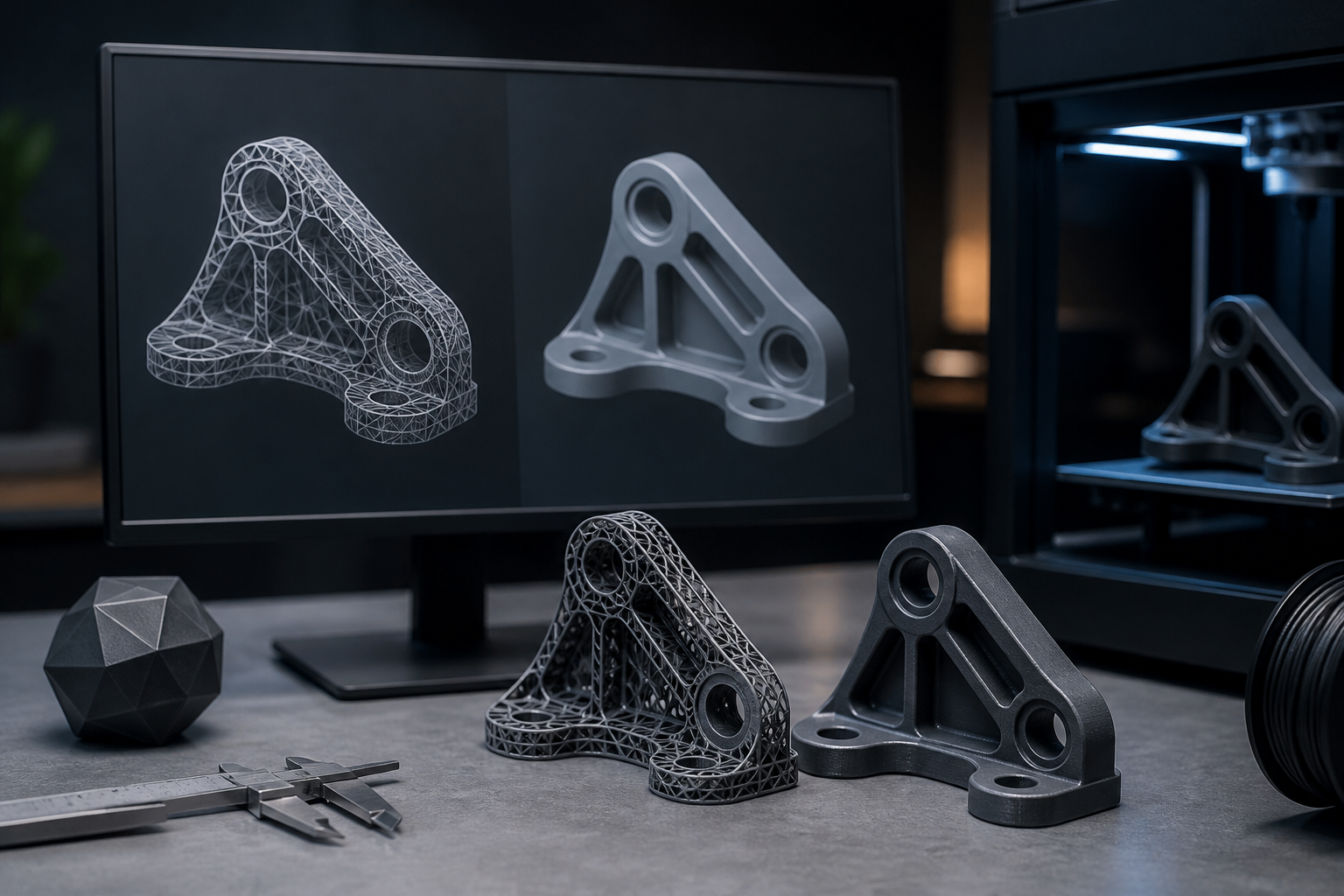
3D printing has revolutionized design and manufacturing, yet the quality of 3D models heavily relies on proper mesh optimization. Issues like ‘non-manifold’ errors can derail projects, creating hurdles in the transition from design to print. Optimizing topology and resolving mesh problems not only improves print quality but also streamlines the export process. In this article, we will explore how to effectively carry out mesh repair in Blender, ensuring a seamless printing experience.
Understanding Non-Manifold Mesh Problems
Non-manifold meshes possess geometric features that hinder accurate processing by 3D printing algorithms. This can include edges shared by more than two faces or complex geometry that cannot be clearly defined. These deficiencies can lead to failed or poor-quality prints. To better grasp this phenomenon, it is critical to utilize visualization tools in Blender. The ‘Select Non-Manifold’ option enables you to identify and rectify these imperfections. By making adjustments to the topology, such as merging vertices or removing unnecessary geometry, you ensure the model maintains integrity during the export and printing process.
Troubleshooting Mesh Issues in Blender
Blender offers various tools that allow effective troubleshooting of mesh problems. First, utilizing the ‘Mesh Cleanup’ function is essential, where unnecessary vertices and faces that affect model quality can be removed. Additionally, employing the ‘Solidify’ modifier helps add thickness to meshes that require it, ensuring the model retains its structure during printing. It is also advisable to perform a mesh repair after using the ‘Boolean Modifier,’ which can often produce issues if geometries aren’t handled correctly. Following these steps optimizes the quality of the exported STL, which is critical for successful printing.
Best Practices for 3D Printing and Exporting
To ensure the model is ready for printing, it’s essential to adhere to some best practices. First, always export in STL format, as it is the most compatible with most 3D printers. Make sure the model scale is appropriate for the printer. Additionally, conducting constant reviews of the model in Blender before export can prevent unpleasant surprises during printing. Another recommended practice is to use mesh verification software, which can detect errors invisible to the naked eye and ensure the model is ready for use. These actions not only facilitate printing but also optimize the design process duration.
Common Beginner Mistakes and How to Avoid Them
A common mistake among beginners is underestimating the importance of topology. Many designers create models without considering STL resolution or mesh integrity. This can result in failed or low-quality prints. On the other hand, ignoring Blender’s indications regarding non-manifold meshes is another challenge that can lead to frustration. To avoid these issues, it is crucial to conduct a detailed review before export and familiarize yourself with the tools that the software offers. Consistent practice and ongoing education are key to perfecting the modeling process and ensuring optimal results on the 3D printer.
In conclusion, mesh repair and topology optimization are critical steps in the export process for 3D printing. Utilizing advanced Blender tools and following best practices will ensure a smoother printing experience with superior results. Remember to focus on constant review and the integration of mesh cleanup techniques to maximize the quality of your 3D projects.
Keywords: Non-manifold, resolución STL, reparación de malla, Blender
Views: 16