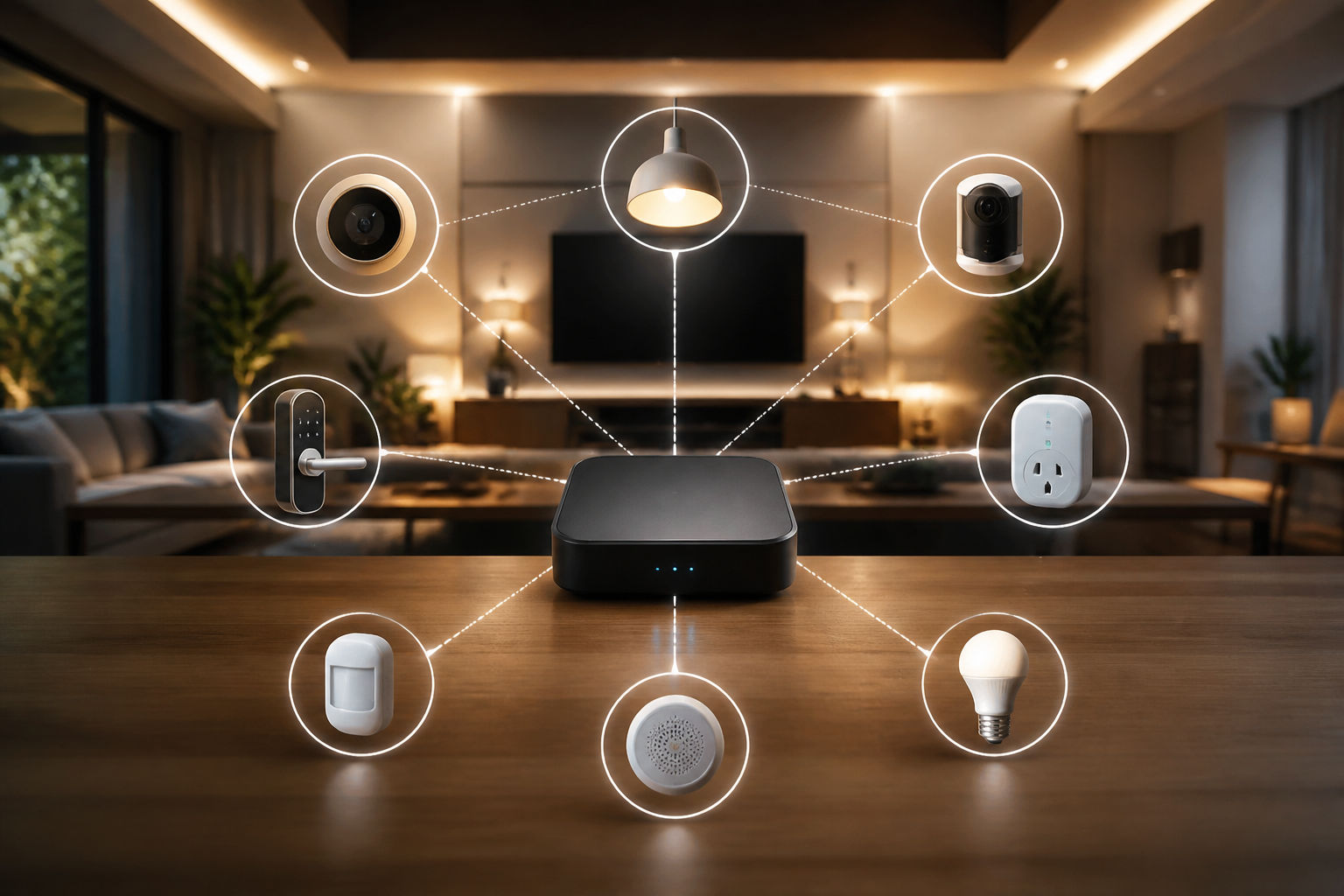
Are you concerned about the privacy of your data in a smart home? Cloud dependency can pose significant risks to your personal information. This article will guide you in creating a local smart home ecosystem using Home Assistant, allowing you to manage all your devices securely from your home. Utilizing components like Zigbee2MQTT, you can enjoy convenience and total control without compromising your privacy.
Understanding Home Assistant
Home Assistant is a home automation platform that allows integration of devices from different manufacturers under one roof. Its major advantage is that it can be installed on your own local server, ensuring your data stays on your network and not in the cloud. To begin, you’ll need a suitable device, such as a Raspberry Pi or mini-PC, on which to install the software. Make sure to have enough storage and memory to support the devices you plan to connect.
Initial Server Setup
Installing Home Assistant is relatively straightforward. First, download the operating system image from the official site, and follow the instructions to install it on your device. Once set up, access the web interface through your browser. From here, you can start adding devices and customizing automations. Also, remember to back up your configuration periodically to avoid data loss in any eventuality.
Zigbee2MQTT: The Key to Connectivity
Zigbee2MQTT is software that enables communication between Zigbee devices and Home Assistant through the MQTT protocol. To implement it, you will need a Zigbee coordinator, such as the CC2531, that connects to your server. Installing Zigbee2MQTT may seem challenging, but online tutorials make the process easier. Once set up, you can add multiple Zigbee devices, thus expanding your automation system’s versatility.
Adding and Training Devices
After configuring Zigbee2MQTT, begin pairing your devices. Each device requires a specific linking process, usually involving putting it into pairing mode and integrating it from the Home Assistant interface. Be sure to follow the manufacturer’s detailed instructions to avoid frustrations. Each time a new device is added, you can configure it with automated rules for a personalized and seamless experience.
Privacy and Security Management
One of the greatest benefits of a local system is enhanced privacy. By using Home Assistant on your local network, you minimize the risk of spying and data theft. Be sure to implement good security practices, such as changing default passwords, using a VPN, and keeping your software updated. You can also configure notifications for any unusual access to your system, adding an extra layer of protection.
Common Mistakes and Best Practices
- Neglecting update supervision: Keep your system updated to avoid vulnerabilities.
- Failing to back up: Regularly back up your configuration before making significant changes.
- Ignoring documentation: Always read the documentation for each device and software to maximize their potential.
Conclusion
Creating a local smart home ecosystem using Home Assistant and Zigbee2MQTT not only promotes a more private and secure environment but also gives you total control over your devices. Implement the suggestions presented here and enhance your home in a way that combines convenience with confidentiality. Remember, the key to an effective system is proper setup and regular maintenance.
Keywords: Home Assistant, privacidad, servidor local, Zigbee2MQTT
Views: 4