3D printers are fascinating tools, but their effectiveness heavily relies on proper preventive maintenance. Often, users neglect the calibration of key components like belts and extruders, leading to subpar print quality or even mechanical failures. This article delves into how to perform effective maintenance and ensure your 3D printer operates seamlessly.
Calibrating Belts
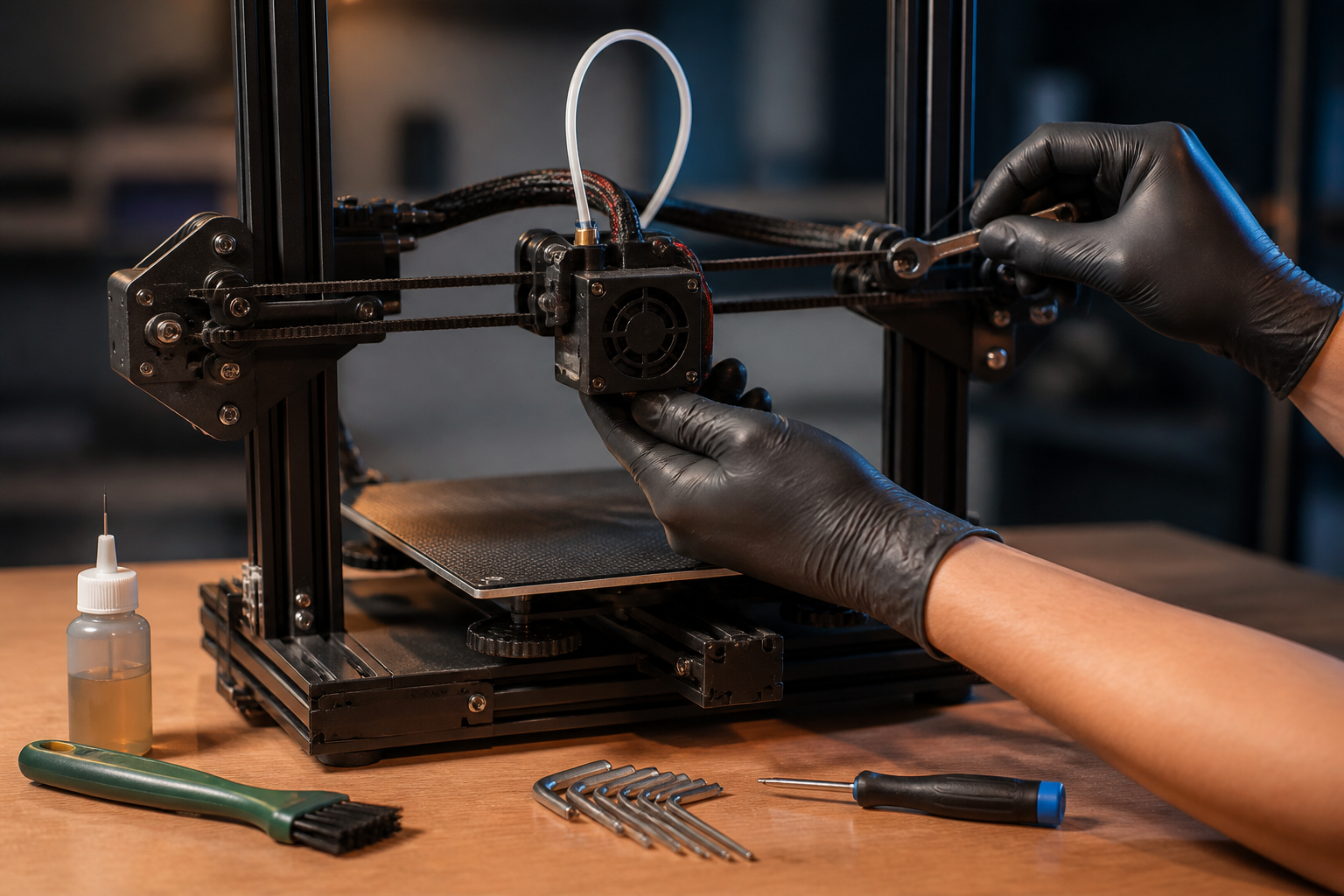
Calibrating belts in 3D printers is crucial for maintaining dimensional precision and avoiding mechanical play, which can negatively impact print quality. Belts must be properly tensioned; too much tension can cause premature wear, while insufficient tension may result in lost steps or axis misalignment. To calibrate the belts, first, check for any obstructions in the movement path of the axes. Then, using an Allen wrench or screwdriver, adjust the belt tensioners until they are firm but not overly tight. A good indication is that the belt should not move more than 1 cm when force is applied. Also, ensure that the pulleys are clean and lubricated, as this will mitigate friction and improve overall performance.
Checking Tensioners
Tensioners play an essential role in the stability of the 3D printer structure. Their function is to keep the belts in place and absorb any fluctuations during the printing process. To check them, visually inspect each tensioner for wear and loose components. An effective calibration method is to use a laser alignment tool, which can help identify any deviation in alignment. The recommendation is to replace tensioners showing signs of fatigue or that are misaligned. A faulty tensioner can lead to erroneous execution of print head movements, resulting in defects like uneven lines or misaligned layers.
Calibrating the Extruder
The extruder is the heart of your 3D printer, ensuring proper filament extrusion. Proper maintenance of the extruder not only increases print quality but also reduces the risk of clogs. To calibrate the extruder, start by adjusting the extrusion temperature according to the material type you are using, considering that the ‘tolerance’ of the extruder may vary. Additionally, perform a filament displacement test: extrude a known amount and measure how much is actually dispensed. If the result does not match expectations, adjust the steps per motor in the firmware. This is known as adjusting steps per millimeter (steps/mm), and correcting this will ensure optimal direct extrusion.
Common Mistakes and Best Practices
Performing maintenance may seem straightforward, but there are common mistakes that can affect your 3D printer. One of the most frequent errors is not documenting adjustments made. Keeping a log can help identify patterns that cause recurring issues. Another common mistake is using inadequate lubricants on moving components, as some can damage plastic or electrical components. The best practice is to use products specific to 3D printing. Moreover, establishing a weekly or monthly maintenance routine allows you to detect problems before they escalate and ensures a printer in optimal conditions. Lastly, do not underestimate the importance of cleanliness; debris in the extruder or on the belts can hinder efficient operation.
In conclusion, preventive maintenance is essential to ensure your 3D printer operates optimally. Proper calibration of belts, tensioners, and extruders not only prevents mechanical failures but also assures the quality of your prints. Be sure to follow these guidelines to prolong the lifespan of your machine. A practical tip: establish a maintenance calendar and perform regular checks to not compromise the quality of your printing projects.
Keywords: Tolerancias, juego mecánico, extrusión directa, mantenimiento
Views: 10