Developing 2D games constantly faces the challenge of balancing visual quality and performance. Knowing how to optimize tilemaps and sprites sheets can make the difference between a smooth game and one bogged down by performance issues. Draw calls, the limits on how many drawing commands the graphics engine can process in a single cycle, are critical for this optimization. In this article, we will explore how texture atlases and other techniques can greatly improve performance in your 2D games.
Understanding Tilemaps and Their Advantages
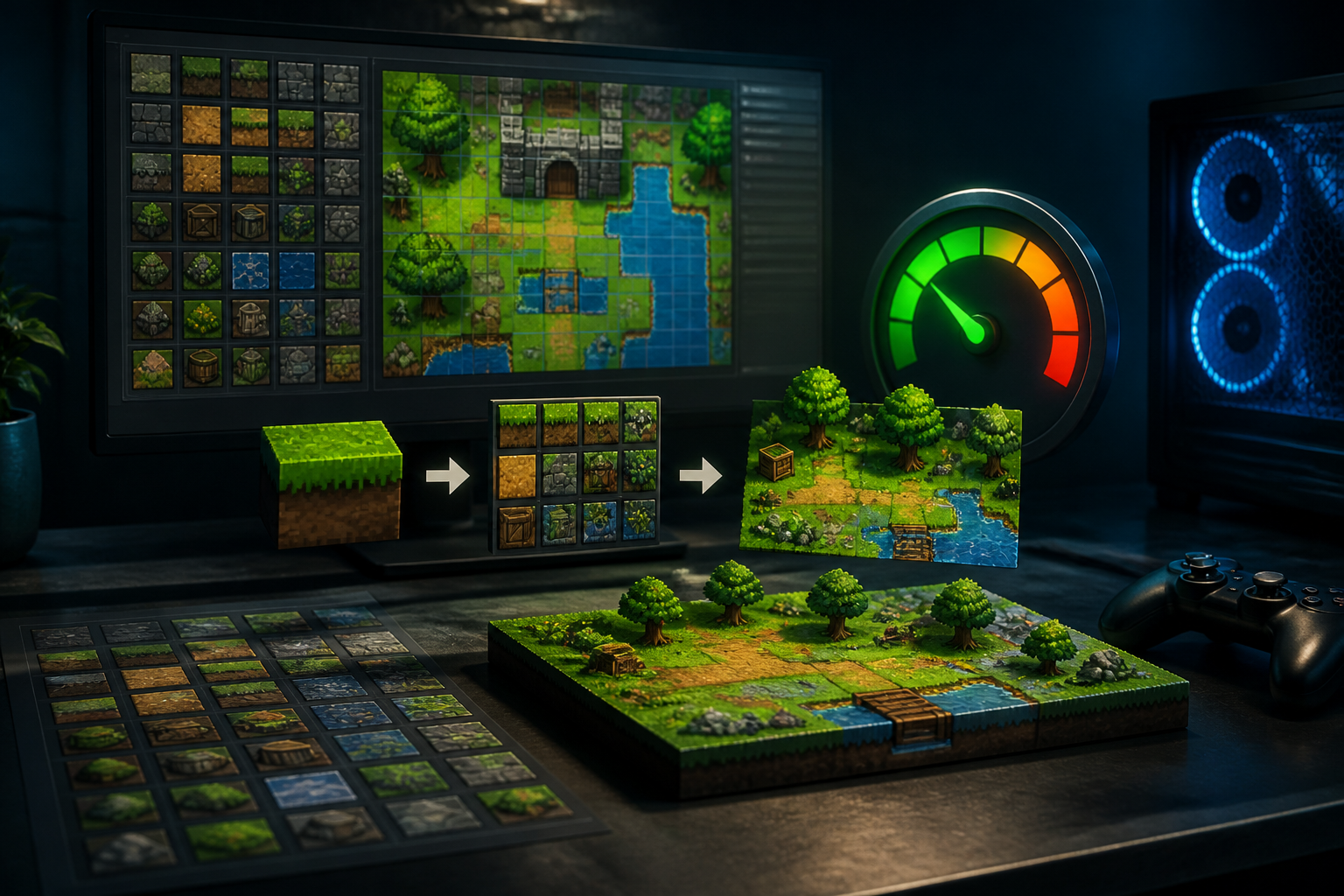
Tilemaps are fundamental tools in 2D game development. They allow for the creation of rich environments using a grid of images or blocks. This method conserves resources, as it uses smaller fragments instead of complex background images. The great advantage lies in modularity: you can modify parts of the map without altering the entire design. Moreover, tilemaps optimize memory by loading only the tiles visible on screen, reducing processing load by avoiding the need to load large images simultaneously.
Practical Implementation of Tilemaps
To effectively implement a tilemap, you need a game engine that supports this technique, such as Unity or Godot. Once you have your engine, start by creating a tile palette where you can select and organize your tiles. It’s crucial to design your tiles in graphic software that allows the creation of spritesheets. Also, consider using layers to manage different elements of the environment, as this gives you greater control over what gets rendered and when.
The Role of Sprites Sheets
Sprites sheets are collections of images that allow you to group different animations and frames in a single file. This reduces the number of draw calls because the game engine can access multiple images in a single memory access. When using a sprites sheet, be sure to optimize image dimensions to fit within a rectangular format that respects power-of-two boundaries, which is crucial for performance in most graphic engines.
Improving Efficiency with Texture Atlases
Texture atlases are an advanced way to utilize sprites sheets. A texture atlas combines various images, encapsulating not just sprites but also elements like icons and backgrounds. By minimizing texture swaps between draw calls, you can significantly enhance performance. However, it’s essential to plan how images will be distributed within the atlas to avoid wasted space and ensure that each image is properly aligned.
Common Mistakes and Best Practices
A frequent mistake is not using suitable texture atlases, which can result in suboptimal performance. Additionally, ignoring the optimization of draw calls by having multiple sprites drawn individually can lead to latency issues. To avoid these mistakes, group your tilemaps and sprites into atlases where possible and use performance analysis tools. It is also advisable to test various tile configurations in the development environment to find the one that works best without sacrificing visual quality.
Conclusion
The optimization of tilemaps and sprites sheets is essential for the efficient development of 2D games. Implementing techniques like texture atlases and paying close attention to draw calls not only improves performance but also allows for a better gaming experience. Remember: planning ahead and structuring your graphic resources well will lead you to surprising results.
Keywords: Tilemaps, Sprite sheets, Draw calls, atlases de textura
Views: 32